

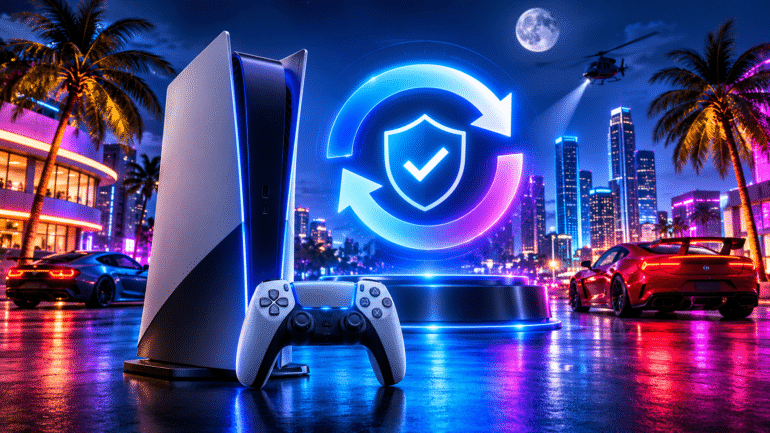
If you have already pre-loaded Grand Theft Auto VI onto your PlayStation 5, there is one final download standing between you and the streets of Vice City. Sony Interactive Entertainment has issued an official reminder alerting players that a mandatory PS5 firmware update must be installed before GTA 6 can be launched.
Even if your copy of the game is completely downloaded and ready on your home screen, booting up your console without applying this latest system patch will prevent you from jumping into Leonida.
What Sony’s Official Advisory Says
In a notice shared via the official PlayStation US Support account, Sony urged players not to wait until the last minute to check their console software:
“Sony Interactive has issued a PS5 system software update that is required before playing Grand Theft Auto VI. Players should download this update prior to midnight on November 19 so that they’re ready to play on launch day, November 19.”
In the accompanying patch notes, Sony kept the technical breakdown brief, noting simply that the release delivers “some security fixes to the system software.”
Why Sony Released Another Security Patch Right at Launch
This required update arrives just two weeks after the previous PS5 firmware patch—continuing a rapid series of back-to-back security releases over the past two months.
Behind the scenes, Sony has been aggressively patching system-level vulnerabilities as modders and hackers continue probing the PS5’s infrastructure for new jailbreak methods. By requiring the newest firmware right alongside GTA 6’s global rollout, Sony aims to lock down system security and curb piracy during the biggest console launch of the year.
How to Check and Install Your PS5 System Update Now
If you downloaded GTA 6 earlier and haven’t turned on your PlayStation 5 recently, take two minutes to verify your firmware is up to date so you aren’t stuck staring at a download bar:
-
Turn on your PlayStation 5 and ensure it is connected to the internet.
-
Select the Settings gear icon in the top-right corner of the home screen.
-
Scroll down to System and select System Software.
-
Choose System Software Update and Settings, then click Update System Software.

-
Select Update Using Internet and allow the console to download, install, and restart.
Once the restart finishes, your PS5 will be cleared to launch Grand Theft Auto VI without any last-minute interruptions.
Frequently Asked Questions
Do I need to update my PS5 to play GTA 6? Yes. Sony confirmed that the latest PS5 system software security update is mandatory before launching Grand Theft Auto VI.
What is included in the new PS5 firmware update? According to Sony’s official patch notes, the update focuses on system software security fixes aimed at preventing console jailbreaking and piracy around the GTA 6 release.
Will my GTA 6 pre-load work without updating the console? No. Even if Grand Theft Auto VI is already downloaded on your PS5, the console will require you to install the latest firmware patch before opening the game.
